 OnQ
OnQSee the wait.
Join from anywhere.
OnQ shows live wait times at participating local businesses. People join from their phone, keep their place while they get on with their day, and get an alert as their turn gets close.
No account needed to join. No install? Use OnQ in the browser ↗
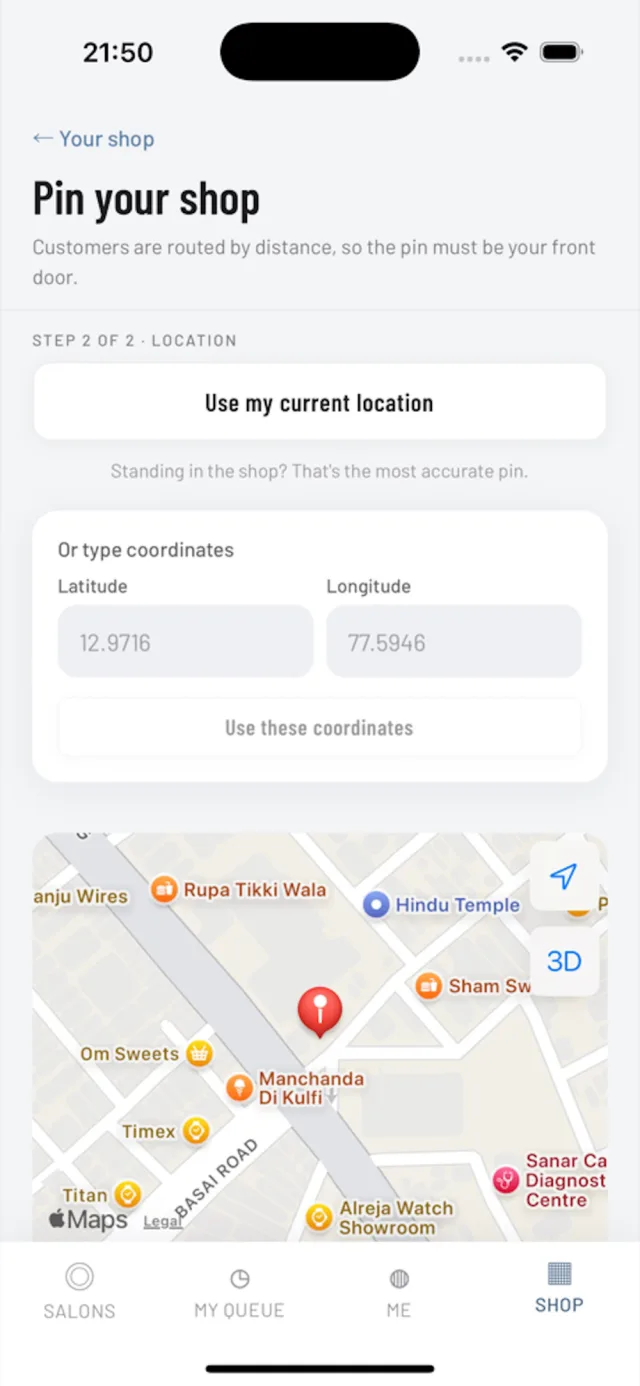
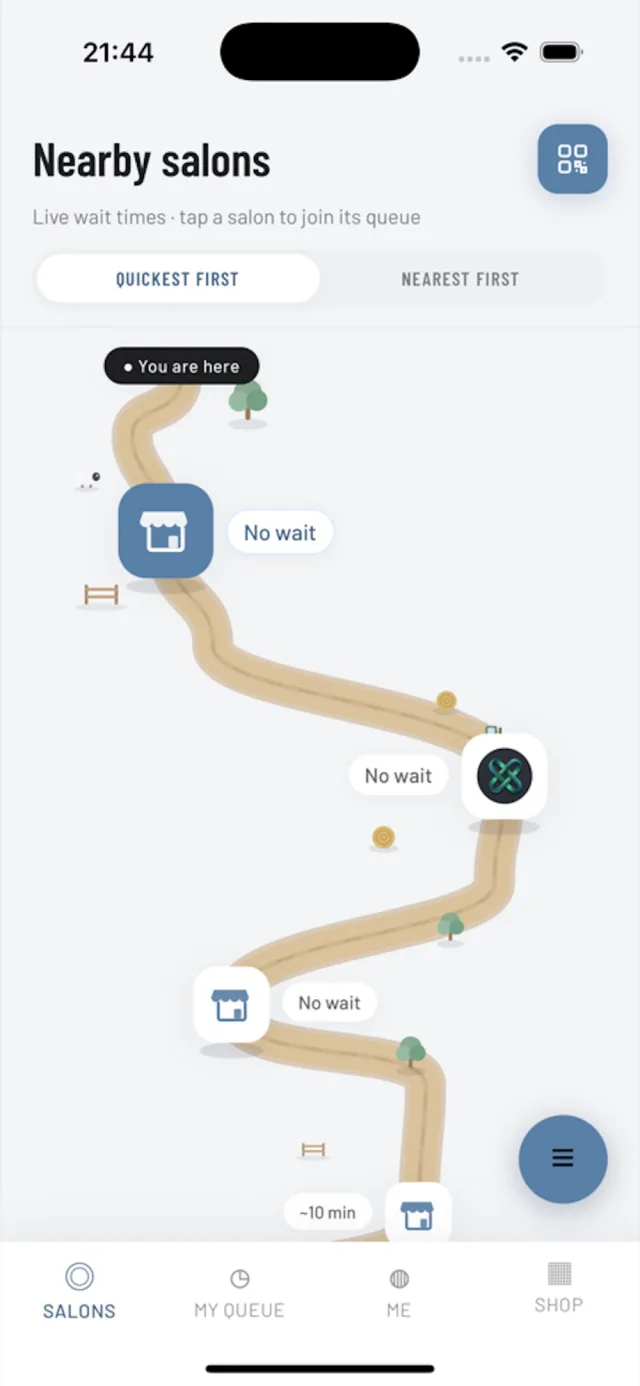
How it works
Three steps, then get on with your day.
- 1
Download OnQ
Free to download on the App Store and Google Play, or use it in the browser.
- 2
Find the shop
See participating shops nearby, each with its live queue.
- 3
Join with name and phone
No account needed. Keep your place and get on with your day.
For customers
Live wait times
Each shop shows its real queue: how many are waiting and roughly how long, updated as it moves.
Join from anywhere
Hold your place from home or work, or scan the code at the counter.
Alerts as your turn gets close
OnQ tells you when to head over, so you arrive as the chair opens.
For shops
One screen for the floor
Call next, start, done. Walk-ins and app joins share one queue.
Records that help
Served today, busy hours and repeat customers, without a notebook.
A page and a counter sign
Logo, photos, opening hours and a printable code, set up from a phone.
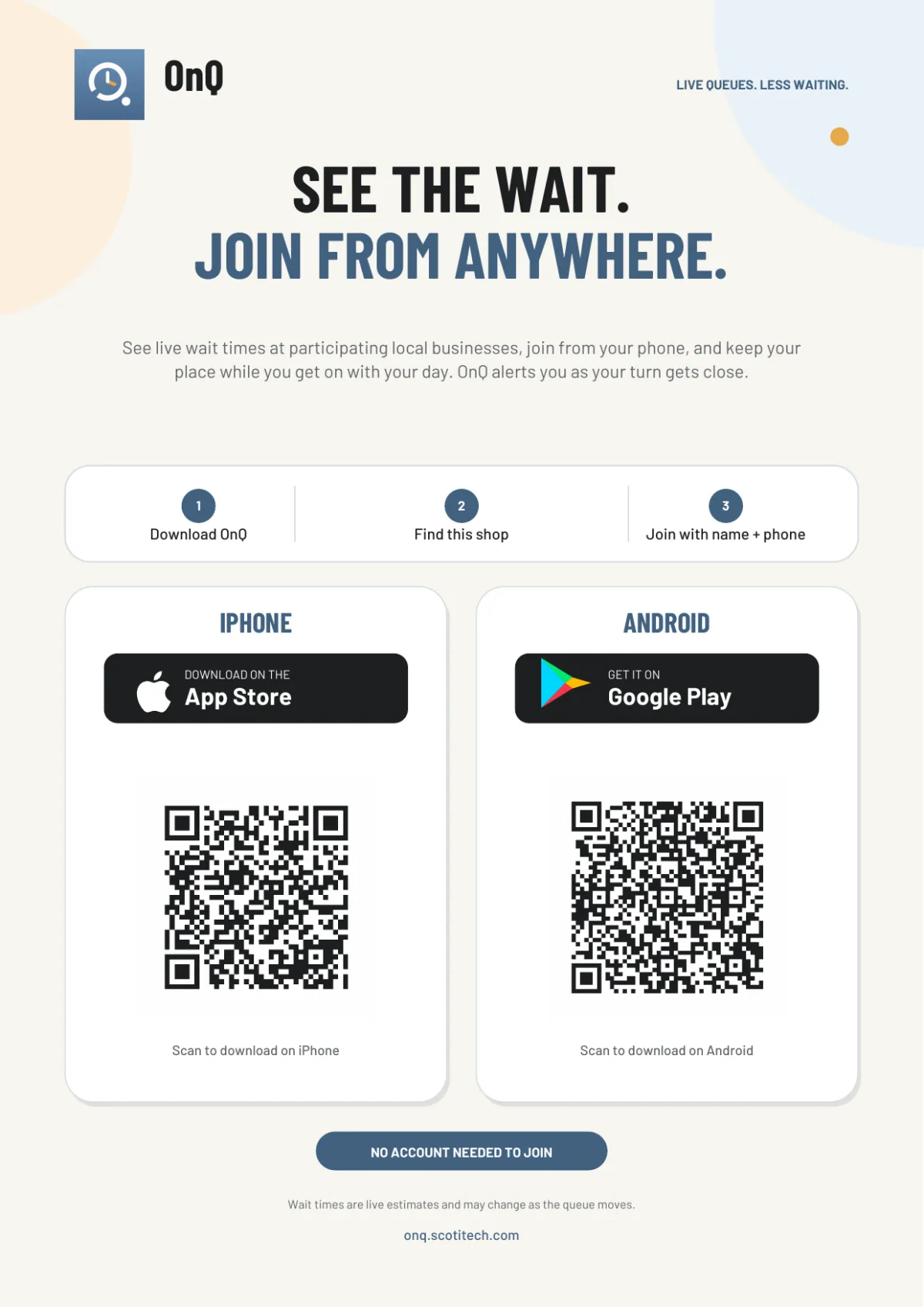
Get OnQ
Free to download on iPhone and Android. On a computer? Scan a code with your phone.


I lead OnQ's product and architecture at ScotiTech. It brings the same idea as the rest of my work to the high street: people should be in control of their own time, not stuck on a bench waiting for it.